
Microsoft
Microsoft SQL Server 2019 – CAL User
- Complete a standard SQL Server license using Server + CAL
- Document access rights within an organisation
- Assign a right of access to a designated person in Microsoft terms
- CAL User : CAL Device
Microsoft SQL Server 2019, offered by the shop LAZY-CUB: a customer access right for your Microsoft infrastructure. You are accompanied until the activation. The SQL Server 2019 CAL User is a client access right for a user named Access.. Read more
Verified sellerSecured paymentReturn 30 days
Report this product
Description
Microsoft SQL Server 2019, offered by the shop LAZY-CUB: a customer access right for your Microsoft infrastructure. You are accompanied until the activation. The SQL Server 2019 CAL User is a client access right for a user named accessing a correctly licensed SQL Server instance according to the Server + CAL model. This CAL does not include server software, SQL Server installation license, or server activation key. USE OF A USER CALE • Allow this user to access SQL Server from different devices, within applicable contractual limits • Complete a standard SQL Server license using Server + CAL • Document access rights within an organisation • Assign a right of access to a designated person in Microsoft terms ESSENTIAL LICENCE RULES The Server + CAL model requires an appropriate server license and the necessary CALs for users or devices accessing SQL Server, without intermediary or indirectly. Access via an intermediate application or multiplexing mechanism does not eliminate these obligations. CALs must be compatible with the server version; a CAL of an earlier version does not automatically give access to a newer version. Reassignment rights depend on contractual conditions. CAL USER OR CAL APPARATUS? • CAL User : CAL Device • Assigned to a person: Assigned to a device • Which is suitable for people using different positions: Which is suitable for positions shared by different people AND WITH A LICENCE IN HEART? In the correctly applied core SQL Server model, additional SQL Server CALs are usually not required for covered accesses. Always control the publishing, licensing program and associated rights. ATTRIBUTION GUIDE • Check the version and license template of the SQL Server instance. • Identify users accessing SQL Server, including through a business application. • Determine the number of CAL Users required. • Assign rights under Microsoft terms and conditions and retain proof of acquisition. • Configure SQL Server accounts and authorizations separately: the CAL does not replace technical access controls. TECHNICAL POINTS • Publisher: Microsoft • Version: SQL Server 2019 • Type : Client Access License (CAL) User • Unit: 1 user named • Model concerned: Server + CAL • Server license included: No • Software to install included: QUESTIONS AND ANSWERS Does this CAL allow you to install SQL Server? No, a separate server license is required. Can a person use different devices? Generally yes with a User CAL, subject to applicable contractual conditions. Does a 2019 SQL Server CAL cover SQL Server 2022? Not automatically. Release and upgrade fees must be verified. Is an activation key understood? A CAL is a license right and does not necessarily correspond to an activation key. OFFICIAL DOCUMENTATION Microsoft Learn – SQL Server · Microsoft Licensing Visual marketing illustrative non contractual. Indicative price, exact reference, origin and resale rights to be validated before publication. DELIVERY AND ACTIVITIES Digital product: The activation and download information is sent to you by e-mail after validation of the order. Any questions during installation? Write to the seller from your customer area.
All offers (1)
Customer reviews
No reviews yet. Buyers can rate the product from their customer area after delivery.
About the seller
Sponsored products related to this article
Sponsored




Women's velvet Shirt with tile pattern (model 2) – Relaxed, winter
€66.51€73.90
Shipped within 24 hours
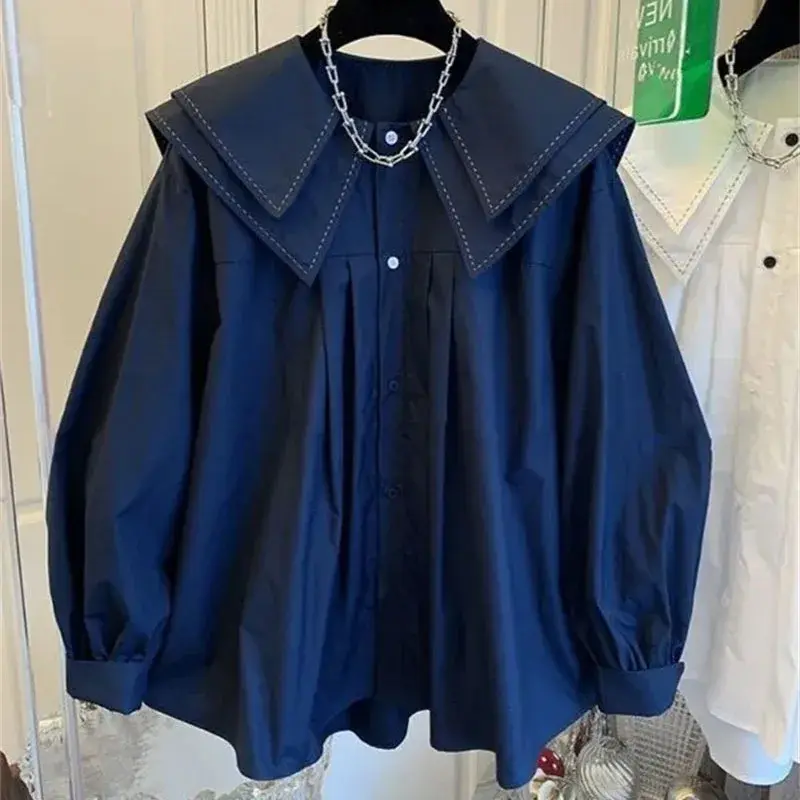

Woman shirt in satin with long sleeves wide cut – Vintage, summer
€46.71€51.90
Shipped within 24 hours

Grey woman shirt with long sleeves pattern with tiles – Vintage, autumn
€41.31€45.90
Shipped within 24 hours
Complete your purchase
Accessories and small prices of the same radius
Microsoft
Windows Server 2016 CAL User – Client Access License
3 sizes
€12.90
Shipped within 24 hours
Microsoft
Windows Server 2019 CAL User – Customer Access License
3 sizes
€14.90
Shipped within 24 hours

Microsoft
Windows Server 2019 CAL Device – Client Access License
3 sizes
€14.90
Shipped within 24 hours
Microsoft
Windows Server 2016 RDS CAL User – Remote Desktop License
3 sizes
€14.90
Shipped within 24 hours
Microsoft
Windows Server 2016 RDS CAL Device – Remote Desktop License
3 sizes
€14.90
Shipped within 24 hours
Microsoft
Windows Server 2022 CAL User – Client Access License
3 sizes
€17.90
Shipped within 24 hours
Microsoft
Windows Server 2022 CAL Device – Client Access License
3 sizes
€17.90
Shipped within 24 hours
MICROSOFT
Microsoft Office 2021 Pro Plus Pack - Activation key - 1 PC - Windows 10 & 11 - Fast delivery
€0.05
Sent under 2 j
MICROSOFT
Software - Microsoft - Office 2021 Professional Plus - 1 license - Download - PC
€0.05
Sent under 2 j
MICROSOFT
Activation key - Microsoft Office 2021 Professional Plus - 1 PC - Windows 7 or later - Full version
€1.00
Sent under 2 j
Within the same radius
Microsoft
Windows Server 2019 CAL User – Customer Access License
3 sizes
€14.90
Shipped within 24 hours
Microsoft
Windows Server 2019 CAL Device – Client Access License
3 sizes
€14.90
Shipped within 24 hours

Microsoft
Windows Server 2019 RDS CAL Device – Remote Desktop License
3 sizes
€29.90
Shipped within 24 hours
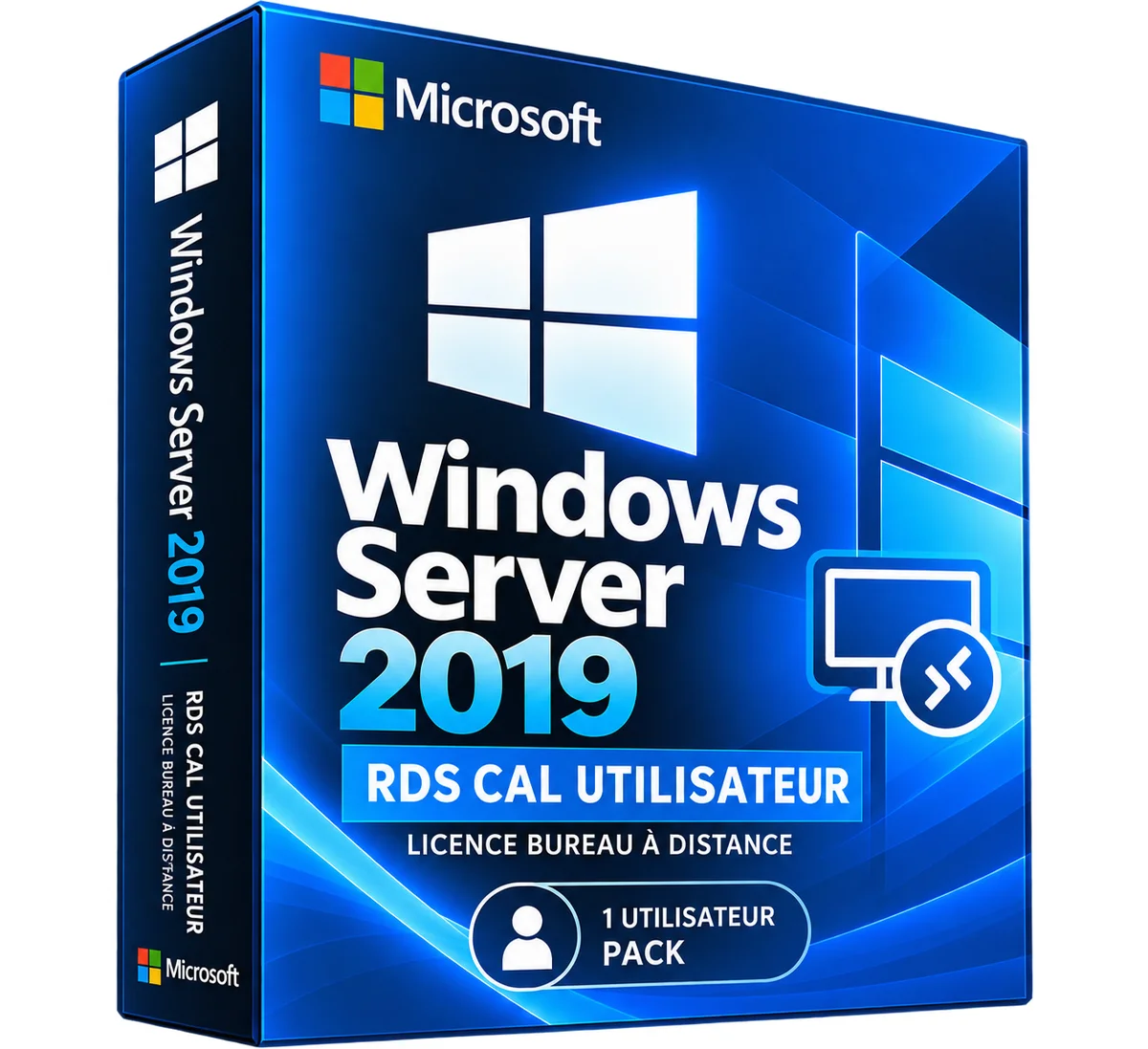
Microsoft
Windows Server 2019 RDS CAL User – Remote Desktop License
3 sizes
€29.90
Shipped within 24 hours
Microsoft
Windows Server 2022 CAL User – Client Access License
3 sizes
€17.90
Shipped within 24 hours
Microsoft
Windows Server 2022 CAL Device – Client Access License
3 sizes
€17.90
Shipped within 24 hours
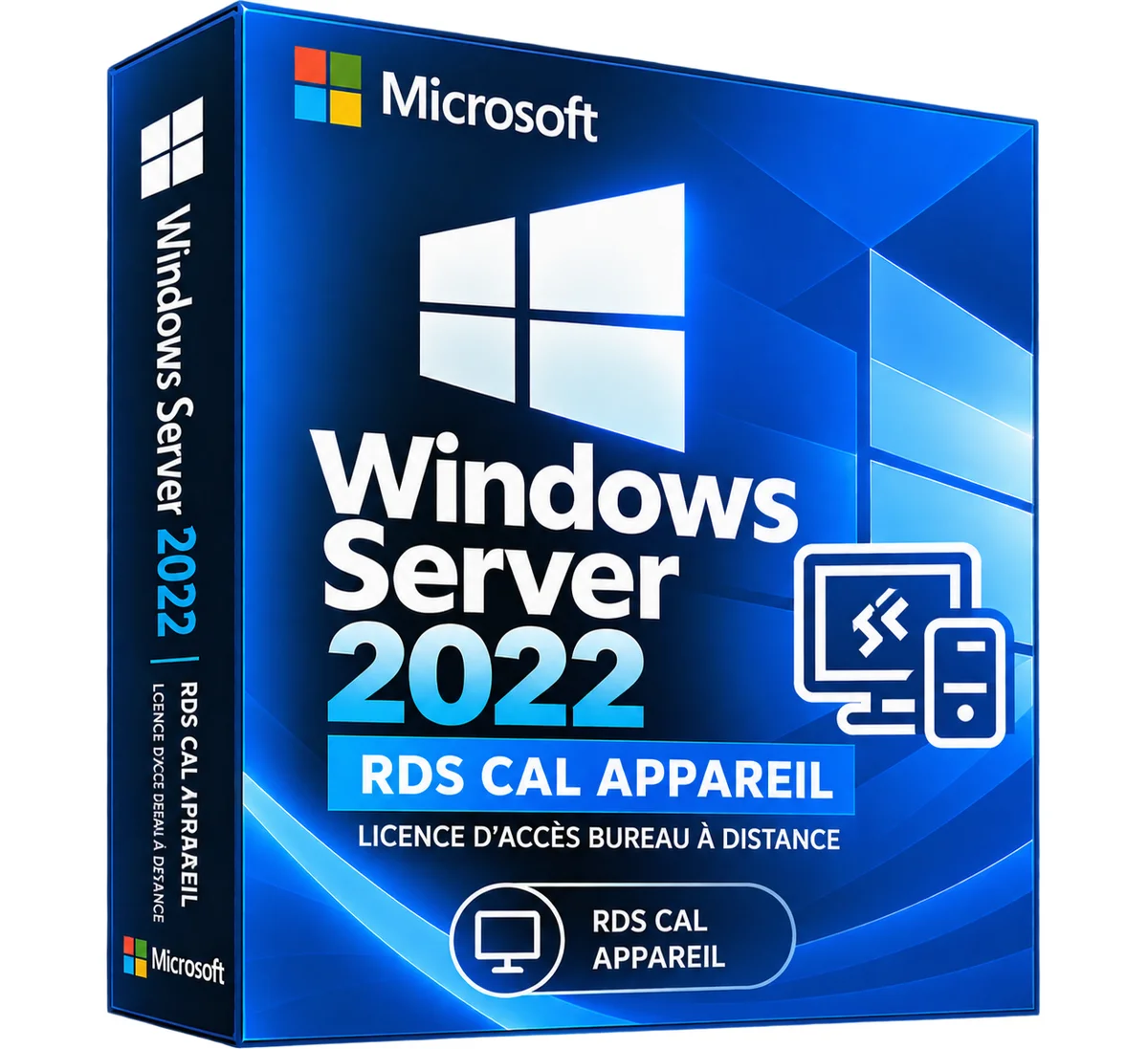
Microsoft
Windows Server 2022 RDS CAL Device – Remote Desktop License
3 sizes
€34.90
Shipped within 24 hours
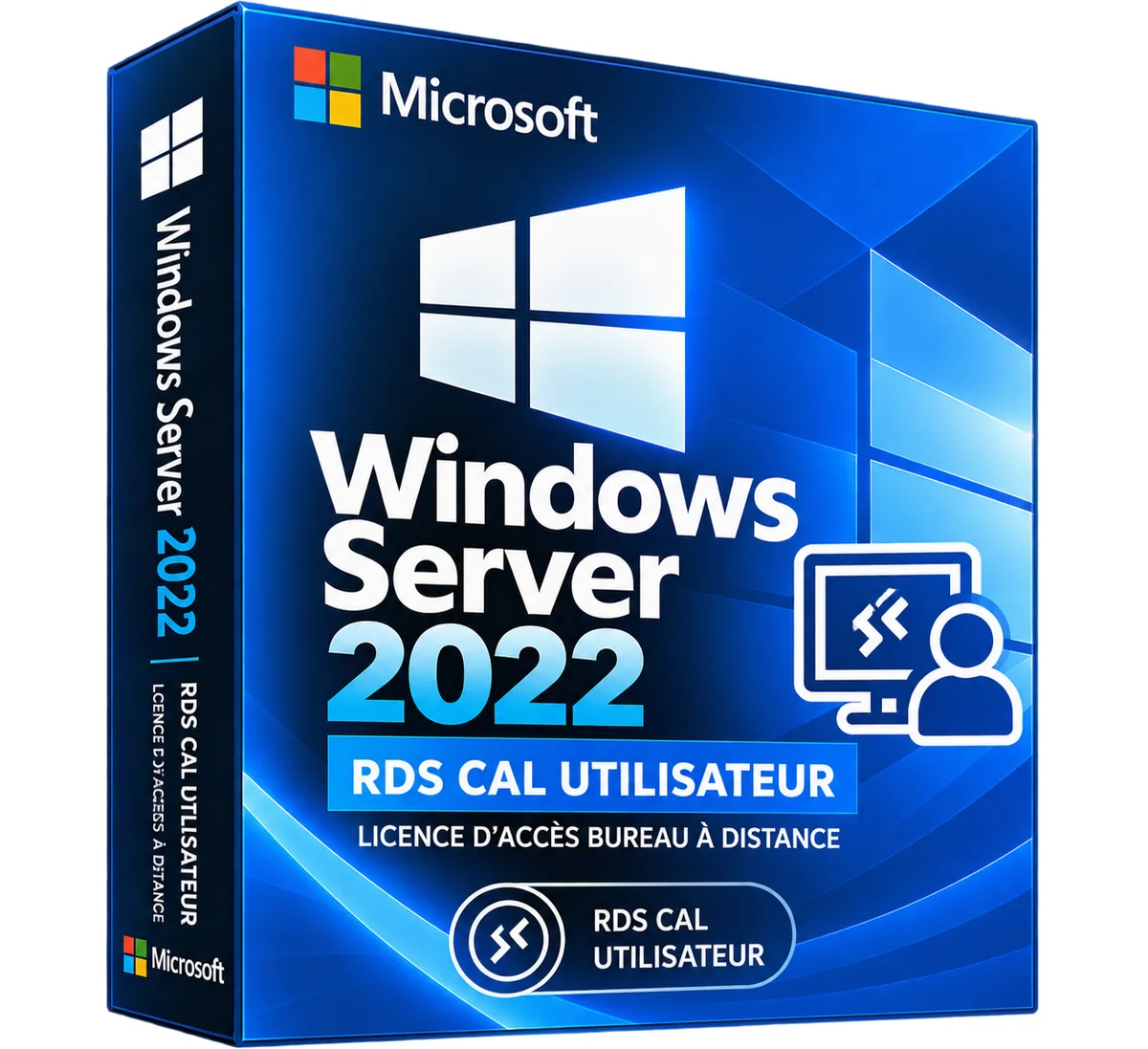
Microsoft
Windows Server 2022 RDS CAL User – Remote Desktop License
3 sizes
€34.90
Shipped within 24 hours
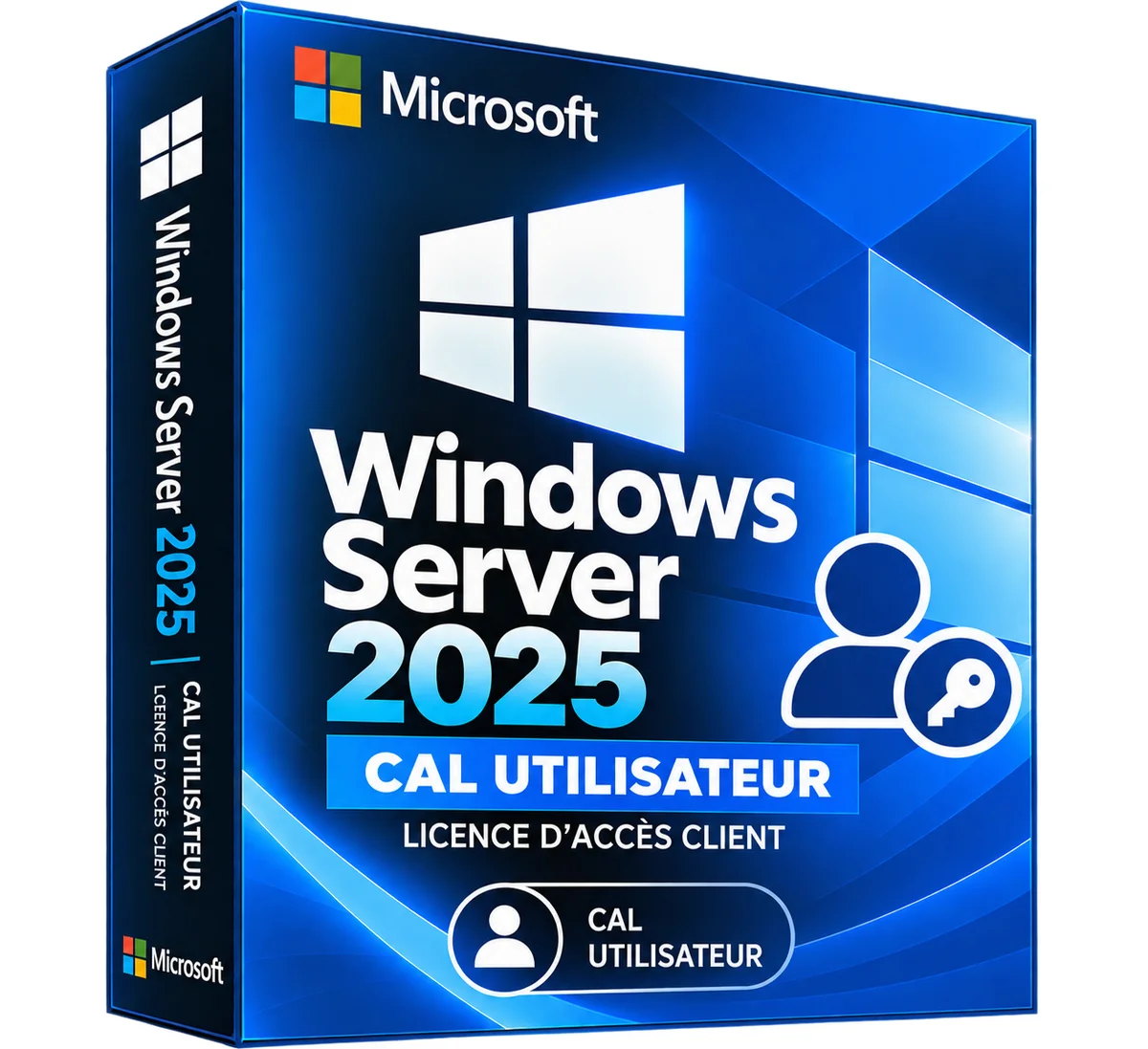
Microsoft
Windows Server 2025 CAL User – Client Access License
3 sizes
€19.90
Shipped within 24 hours
Microsoft
Windows Server 2025 RDS CAL Device – Remote Desktop License
3 sizes
€39.90
Shipped within 24 hours
Microsoft
Windows Server 2025 RDS CAL User – Remote Desktop License
3 sizes
€39.90
Shipped within 24 hours
More products from Lazy-cub

Suedin women's boots with platform and comfortable, from 36 to 42
3 colours · 7 sizes
€99.90
Sent under 2 j

Woman scarpins in patent leather with pointed toe and ankle strap, from 35 to 42
2 colours · 8 sizes
€119.90
Sent under 2 j
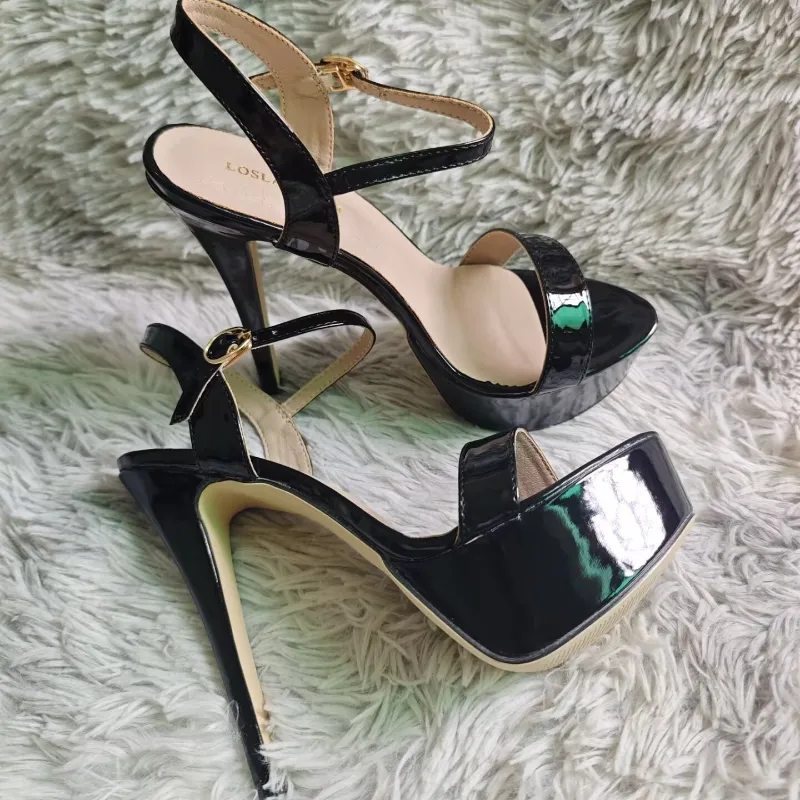


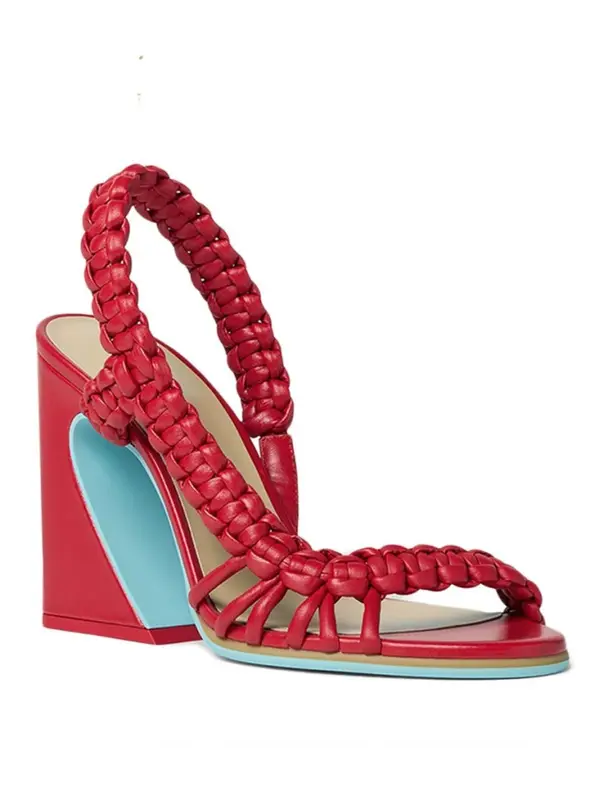

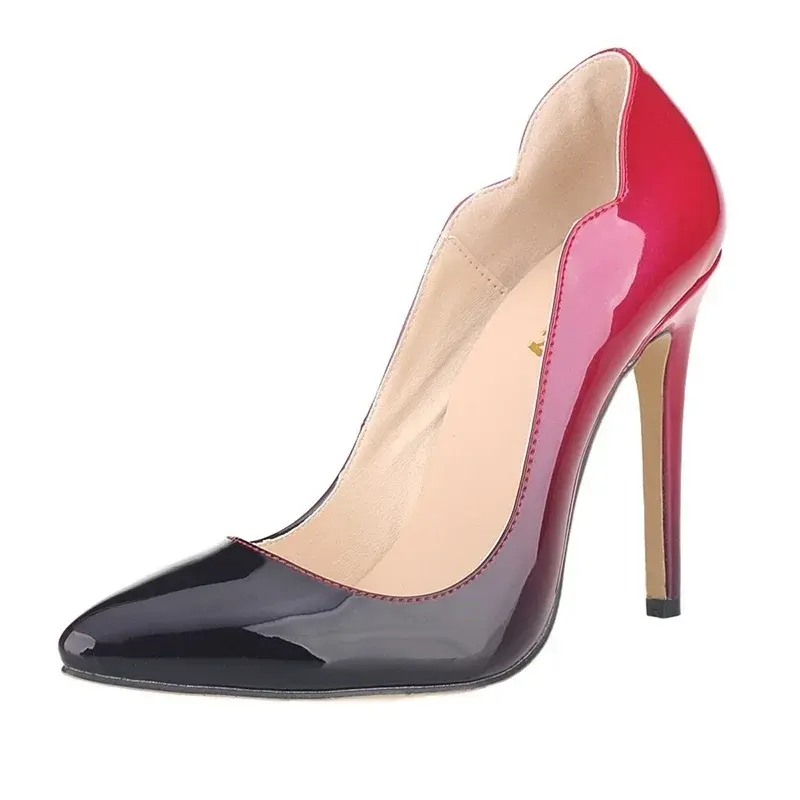
Women's scarpins with needle heels and pointed toe, from 35 to 42
+317 colours · 8 sizes
€89.90
Sent under 2 j

Women's leather sandals with pointed toe and open toe, from 35 to 40
3 colours · 6 sizes
€53.90
Sent under 2 j