Високоскоростна състезателна кола с дистанционно 1:12, 37 cm, за всякакъв терен, двойна
40,41 €44,90 €
Expédié sous 24 h
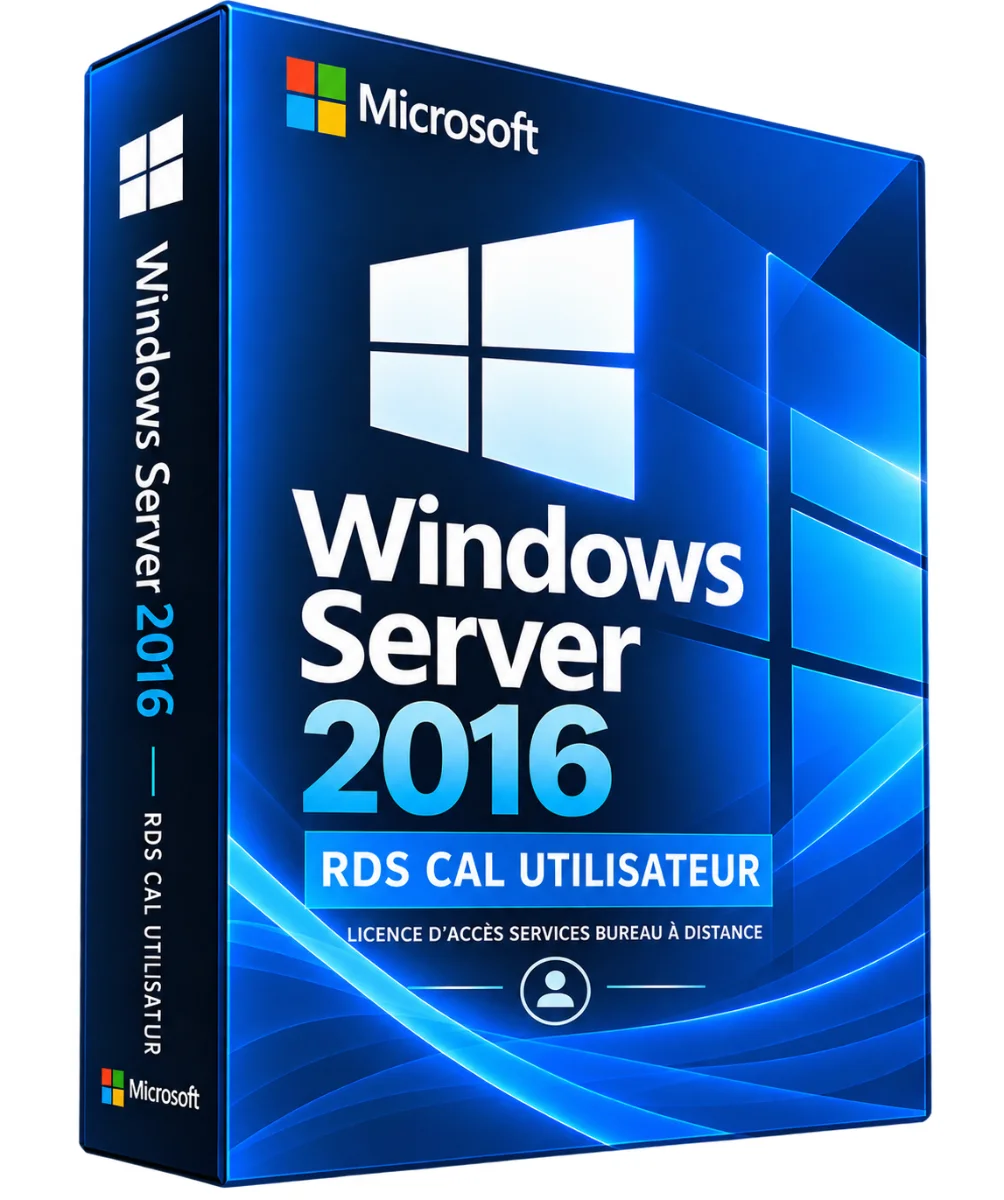
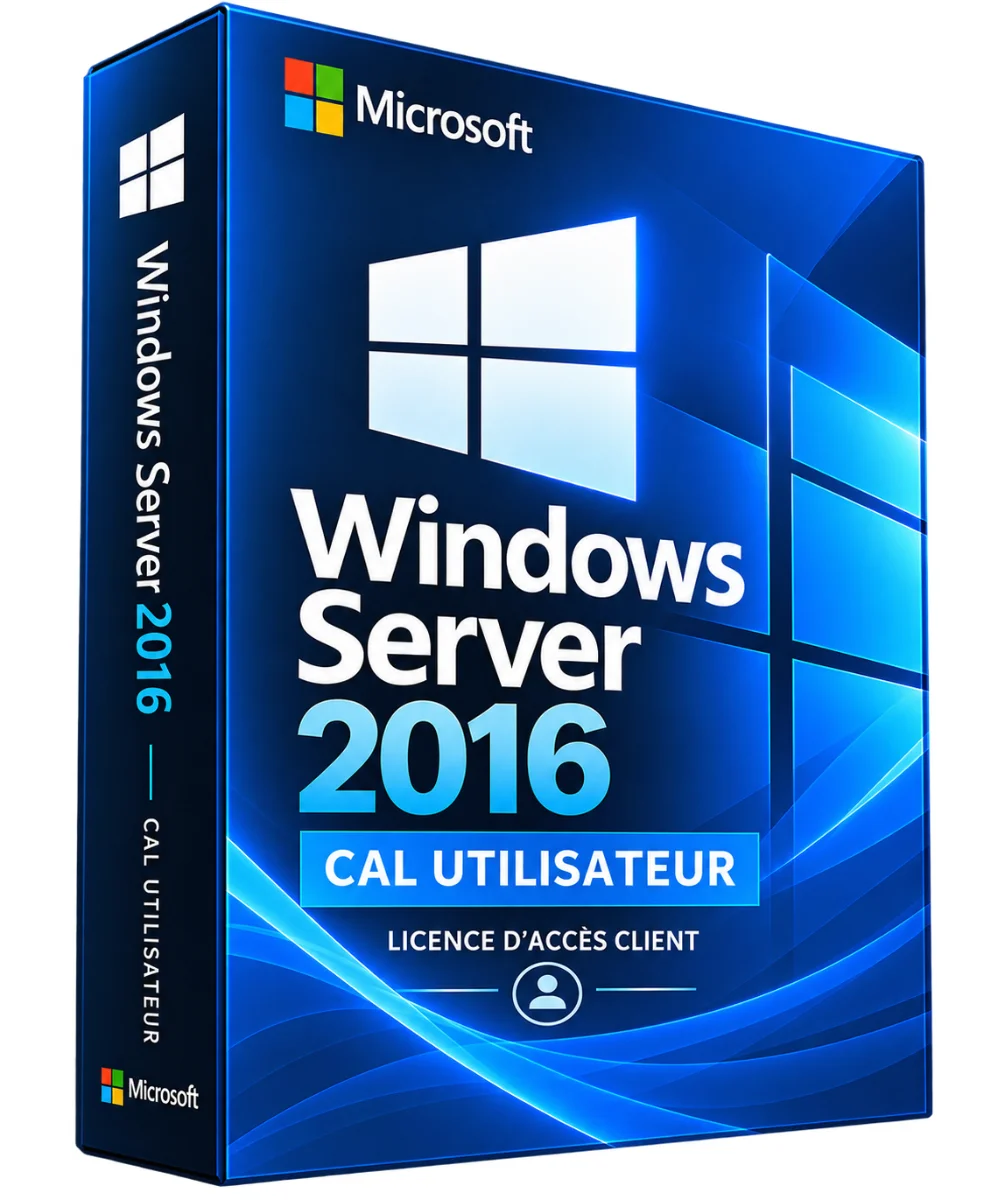
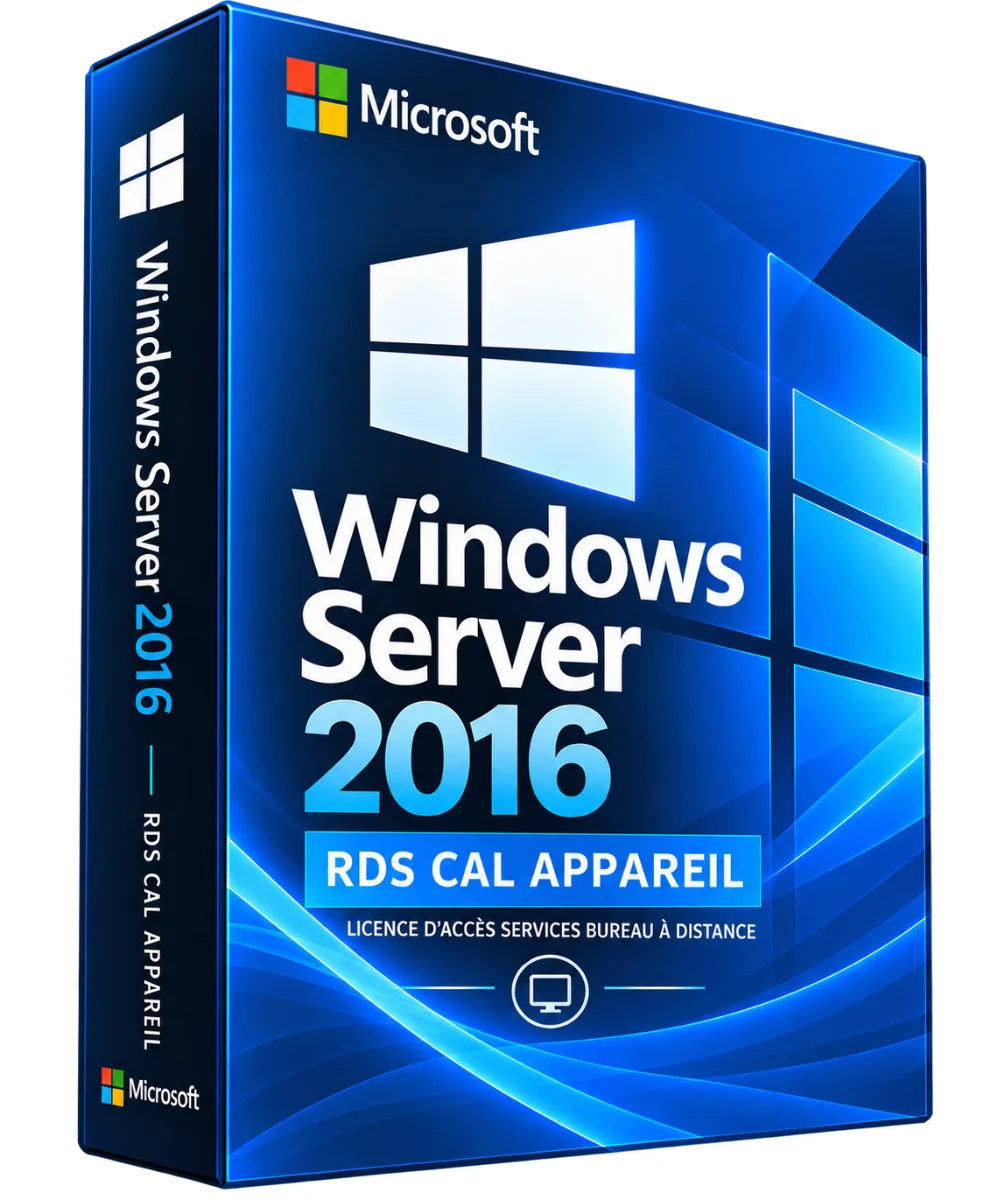
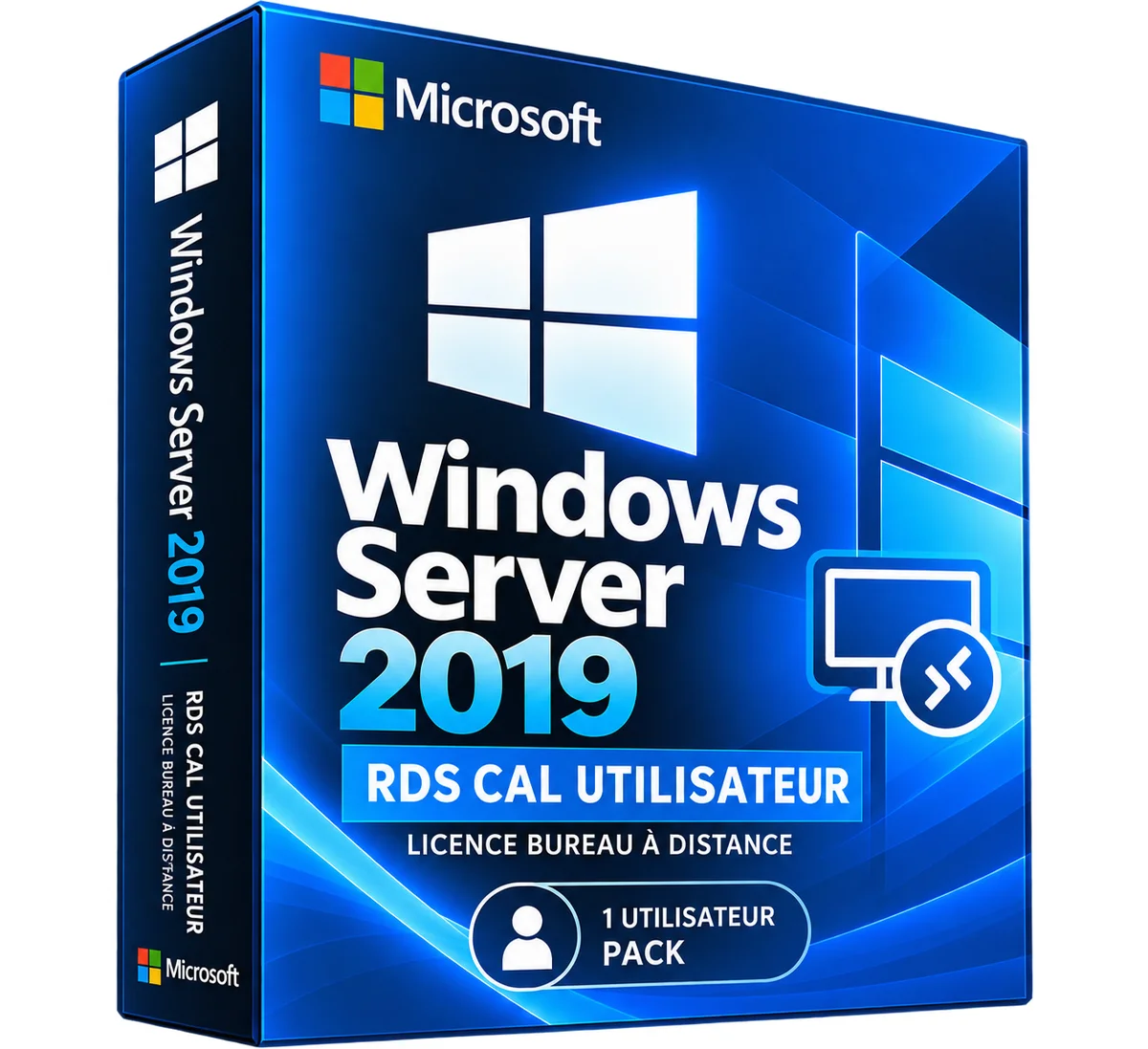
Windows server 2016 rds потребителски cal, предлаган от магазина LAZY-CUB: клиентско право на достъп за вашата инфраструктура Microsoft. Получавате съдействие до самото активиране. Прочетете още
Windows server 2016 rds потребителски cal, предлаган от магазина LAZY-CUB: клиентско право на достъп за вашата инфраструктура Microsoft. Получавате съдействие до самото активиране.
La Windows Server 2016 RDS CAL Utilisateur est une licence d’accès client spécifique aux Services Bureau à distance (Remote Desktop Services). Elle autorise un utilisateur nommé à accéder à une infrastructure RDS Windows Server 2016 depuis différents appareils, selon les conditions de licence Microsoft.
POINTS FORTS
• Accès depuis différents appareils selon les droits applicables
• Adapté au télétravail et aux applications centralisées
• Complète les licences Windows Server et les CAL Windows Server nécessaires
• Fonctionne avec les déploiements RDS Windows Server 2016 et les versions antérieures admissibles
• Droit d’accès RDS attribué à un utilisateur nommé
RDS CAL UTILISATEUR OU APPAREIL ?
• Type : Attribution / Exemple
• RDS CAL Utilisateur : Par personne / Salarié utilisant différents ordinateurs
• RDS CAL Appareil : Par poste / Terminal partagé en équipe
PRÉREQUIS ET DROITS
RDS CAL не замества лиценз за Windows Server и обикновено не замества основния CAL за Windows Server. Сървърът трябва да бъде правилно лицензиран и да са налице съответните права за достъп. RDS CAL 2016 не дава автоматично достъп до RDS внедрявания на версии 2019, 2022 или 2025.
DÉPLOIEMENT ET GESTION DES LICENCES
• Activez le serveur de licences RDS conformément aux instructions Microsoft.
• Définissez le mode de licence « Par utilisateur » pour le déploiement RDS.
• Installez les packs de licences RDS acquis via les mécanismes autorisés et conservez leurs justificatifs.
• Contrôlez l’attribution des droits et la conformité du nombre d’utilisateurs.
• Installez et configurez les rôles RDS requis sur un serveur Windows Server dûment licencié.
En mode « Par utilisateur », l’application technique des licences peut différer de leur exigence contractuelle : l’administrateur doit assurer la conformité.
DOCUMENTATION ET VIDÉO
Guide officiel Microsoft des RDS CAL. Une vidéo pédagogique pourra être intégrée après validation d’une source adaptée.
FICHE TECHNIQUE
• Éditeur : Microsoft
• Продукт: Windows server 2016 rds потребителски cal
• Type : Licence d’accès Services Bureau à distance par utilisateur
• Целева версия: Windows Server 2016 RDS
• Licence serveur comprise : Non
• CAL Windows Server de base comprise : Non, sauf indication contractuelle contraire
QUESTIONS ET RÉPONSES
Une RDS CAL suffit-elle pour installer Windows Server ?
Non. Elle couvre des droits d’accès RDS, pas le système d’exploitation.
Un utilisateur peut-il accéder depuis différents appareils ?
Oui, selon les conditions du mode de licence par utilisateur.
Les CAL Windows Server classiques sont-elles nécessaires ?
Généralement oui, en complément des RDS CAL.
Cette licence fonctionne-t-elle avec RDS 2022 ?
Non, une version de RDS CAL adaptée au serveur est nécessaire.
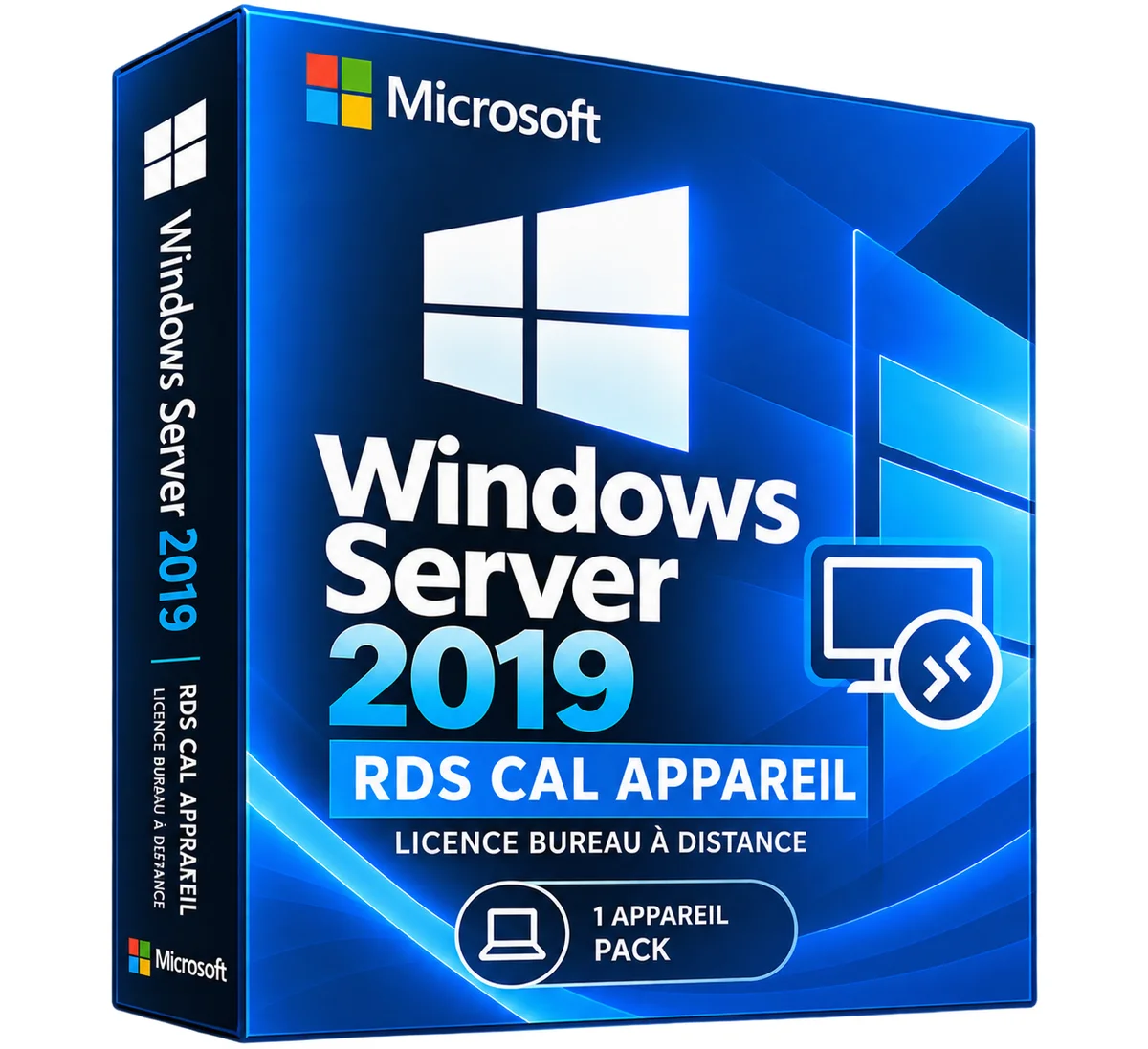
Visuel marketing non contractuel. Canal de licence, disponibilité, conditionnement et tarifs à confirmer avant commercialisation.
LIVRAISON ET ACTIVATION
Цифров продукт: данните за активиране и изтегляне се изпращат по имейл след потвърждаване на поръчката. Имате въпрос по време на инсталирането? Écrivez au vendeur depuis votre espace client.
Aucun avis pour l’instant. Les acheteurs peuvent noter le produit depuis leur espace client après la livraison.
−10 %
sur votre première commandeInscrivez-vous aux bons plans et recevez votre code tout de suite (dès 20 € d’achat, réduction jusqu’à 30 €).
Votre code :
Il est déjà appliqué à votre panier et vous a été envoyé par e-mail.
Adresse e-mail invalide ou déjà utilisée.

Le site en un clic depuis votre écran d’accueil, avec les ventes flash et le suivi de vos colis en notification.
Sur iPhone ou iPad : touchez Partager, puis Sur l’écran d’accueil.
Recevez les ventes flash, les baisses de prix et le suivi de vos commandes. Vous pouvez les couper à tout moment.
Les notifications sont bloquées pour Pricemondo. Ouvrez les paramètres du site (icône à gauche de l’adresse, ou Paramètres › Applications › Pricemondo › Notifications sur Android), autorisez-les, puis revenez ici.
C’est activé : vous recevrez nos notifications sur cet appareil.